A JWT decoder that also tells you what's wrong with your token (politely)
Most JWT decoders show you the header and payload and stop there. Mine also runs 15 security checks: unsigned tokens, secrets that appear in public wordlists, missing expiry, dangerous header tricks and personal data sitting in plain sight. It verifies signatures with your key, explains every claim in plain English and makes share links that can't be used to log in. All of it runs in your browser.
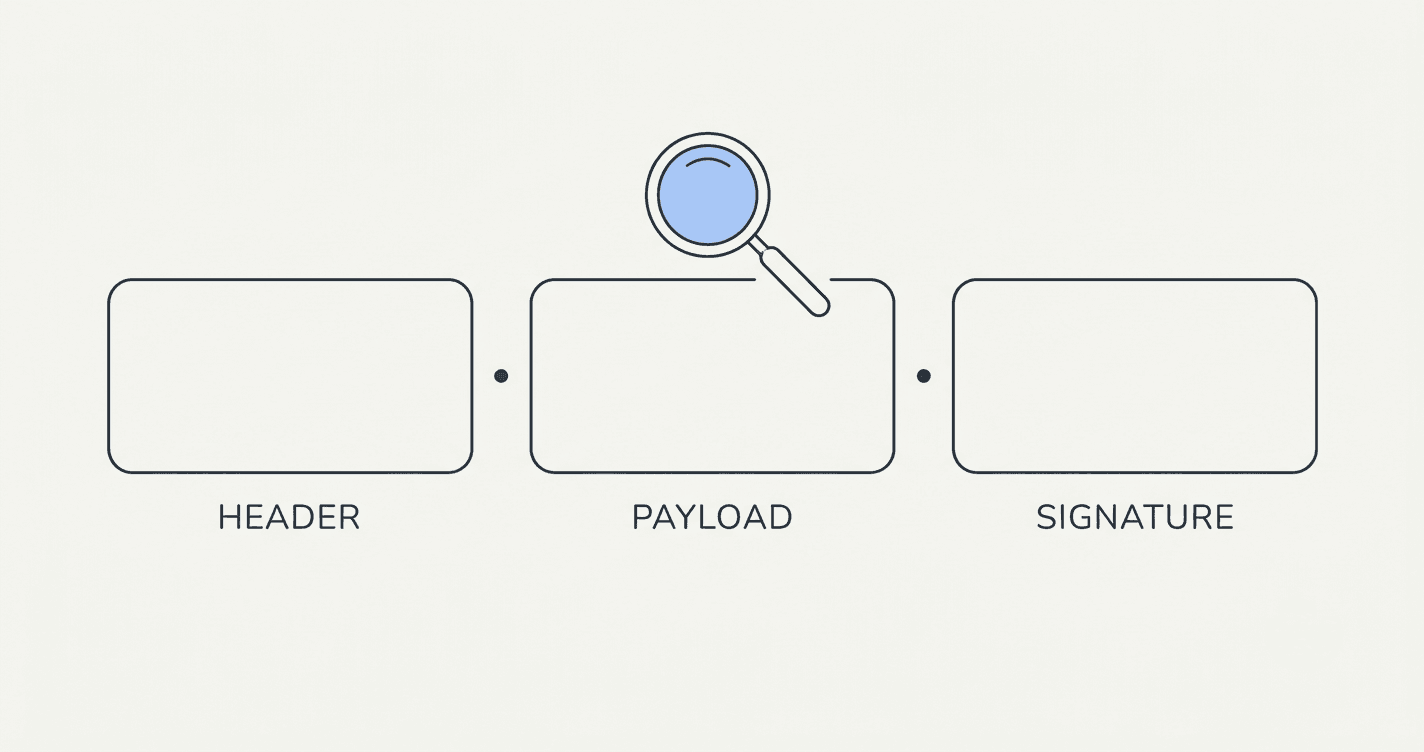
Decoding a JWT is the easy part. It's two chunks of base64url and a signature, and you could do it in the browser console with atob if you were feeling brave. The interesting question is whether the token is any good, and that's the bit most decoders skip.
So I built a JWT decoder that decodes the token and then audits it.
Why not just use jwt.io?
jwt.io is the reference, and if you only need to read a payload it's great. I still use it. But my day job involves auth flows, and the questions I actually have when staring at a token are things like:
- Is this signed with a secret someone copied from a tutorial?
- Why is there a
jkuheader in here? - Is there an email address and a phone number sitting in the payload for anyone to read?
- When does it expire, in human time, not Unix seconds?
A decoder that answers those saves me a trip through three RFCs and a Stack Overflow thread from 2017.
How do the popular JWT decoders compare?
| Decoder | Good for | Watch out for | Honest assessment |
|---|---|---|---|
| jwt.io | Decoding, verifying, generating test tokens | Decodes and verifies; it doesn't audit the token for you | The reference. Start here if you're learning. |
| jwt.ms (Microsoft) | Azure AD / Entra tokens, claim descriptions | Focused on Microsoft identity tokens | Handy if you live in Azure. |
Browser console + atob | Peeking at a payload with zero dependencies | No verification, base64url padding quirks | Works until it doesn't. |
| Sidd's JWT decoder | Auditing a token, plain-English claims, safe sharing | Doesn't generate or sign new tokens | The one that nags you about your secret. |
What does the security audit check?
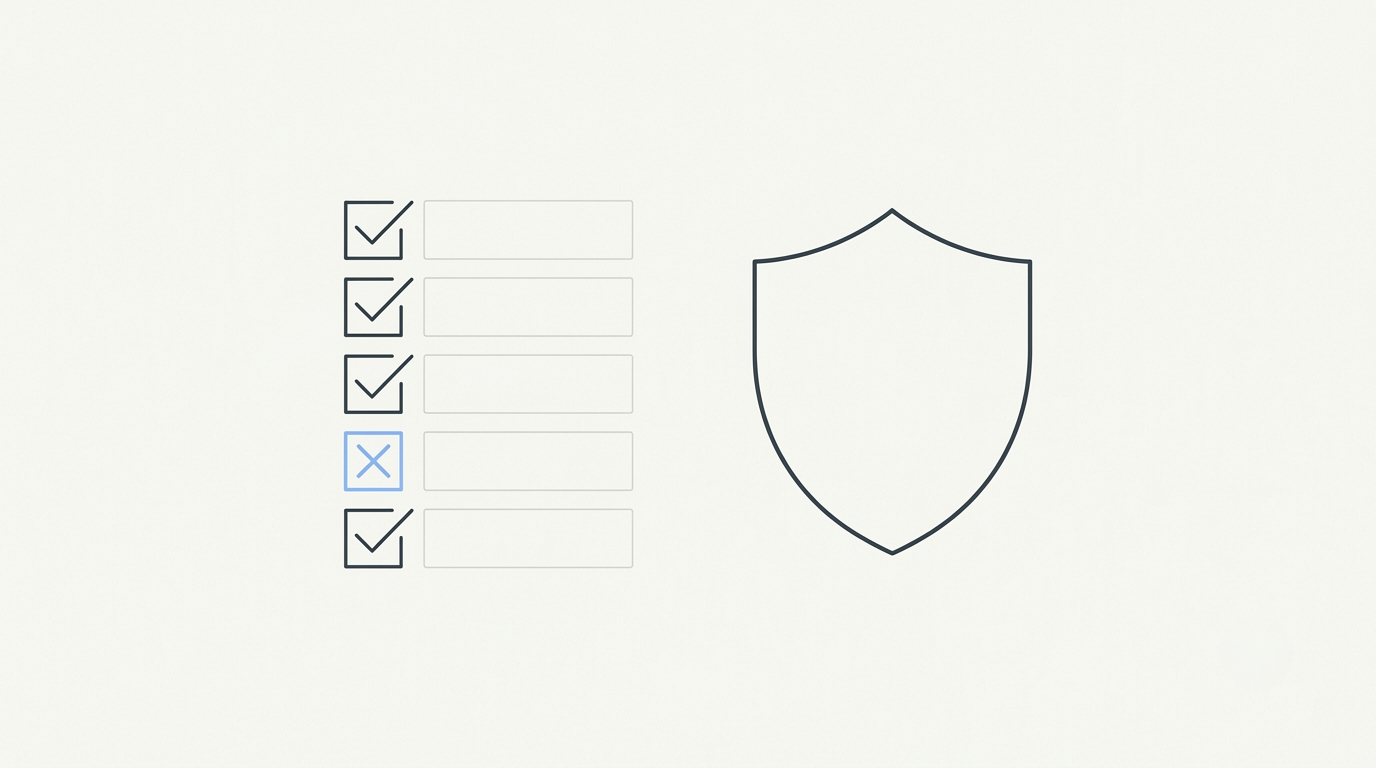
Fifteen checks, each with a pass, warning or fail, a plain-English explanation and a suggested fix:
| # | Check | What it catches |
|---|---|---|
| 1 | Signing algorithm | alg: none, the classic "anyone can forge any identity" bug |
| 2 | Known weak secret | HMAC secrets that appear in a public list of ~104,000 leaked JWT secrets |
| 3 | Secret length | Short secrets you paste in for verification |
| 4 | Expiry | Tokens with no exp claim, which never stop working |
| 5 | Still valid | Whether it has already expired |
| 6 | Lifetime | Tokens that live far longer than they should |
| 7 | Not yet valid | An nbf in the future |
| 8 | Embedded key | A jwk in the header, worse if it holds private key material |
| 9 | Key URL | jku or x5u headers an attacker can point at their own keys |
| 10 | Key ID | A kid that looks like path traversal or SQL injection |
| 11 | Readable data | Personal data or secrets in the payload |
| 12 | Audience | Missing aud |
| 13 | Issuer | Missing iss |
| 14 | Size | Tokens big enough to cause header-size trouble |
| 15 | Key matches algorithm | A key that doesn't fit the token's algorithm |
The weak-secret check is my favourite. For HS256, HS384 and HS512 tokens, it downloads the public SecLists list of scraped JWT secrets and tries each one against your token's signature, in your browser, with the common tutorial defaults first. If one matches, anyone can mint tokens for your app.
Roughly what a bad day looks like:
[✗] Known weak secret
    Signed with "secret". Yes, really.
    Anyone can forge a token for any user.
    Fix: rotate to a random secret of at least 32 bytes.
The wordlist is the only network request the tool makes, it's the same public file for everyone and your token never goes with it. It's only fetched for HMAC tokens.
How do I verify a JWT signature?
Paste the token, then paste your key into the verify panel:
- HS256 / HS384 / HS512: the shared secret, as text or base64.
- RS*, PS*, ES*, EdDSA: the public key as PEM, a JWK or a whole JWKS. With a JWKS it picks the key matching the token's
kid.
Verification uses the browser's built-in Web Crypto API, and keys are only ever pasted, never fetched. If you paste a private key by mistake, it tells you to paste the public one instead, and it recognises certificates too.
How does it explain the claims?
Every common claim gets a plain-English label, and timestamps become real dates with relative times, so "exp": 1793836800 turns into an actual date plus "in 2h 14m" or "3 days ago". Paste a token with Bearer in front, or wrapped in quotes from a log line, and it strips that off and tells you what it removed.
Can I share a decoded JWT safely?
Yes, and I put real thought into this one, because "can you look at this token?" is how tokens end up in Slack forever.
flowchart LR
    A[Click Share] --> B{Personal data in the payload?}
    B -- yes --> C[Pick which values to mask]
    B -- no --> D[Build link]
    C --> D
    D --> E[Signature removed]
    E --> F["Link carries header.payload after #"]
    F --> G[Teammate sees the claims, can't log in as you]
The share link drops the signature. Without it, the token shows what's inside but can't be used as a login. The data sits after the # in the URL, which browsers never send to a server. You can also mask sensitive values, like an email, before the link is made.
Does it support encrypted tokens (JWE)?
Partly. It shows the JWE header (key management and content encryption algorithms), but the payload needs the private key, which this tool deliberately doesn't ask for.
FAQ
How do I decode a JWT?
Paste it into the JWT decoder. The header, payload and signature are split, decoded and shown as formatted JSON with each claim explained.
Is it safe to paste a JWT into an online decoder?
Only if the decoder runs in your browser. Mine does: open DevTools and watch the Network tab while you paste. The only request is the public secrets wordlist for HMAC tokens, and your token isn't part of it.
How do I check if my JWT secret is weak?
Paste an HS256, HS384 or HS512 token. The audit tests it against about 104,000 publicly known JWT secrets and tells you if one matches.
Why is alg none dangerous?
A token with alg: none has no signature. If a server accepts it, anyone can write any payload, including someone else's user ID or "role": "admin".
Can I verify an RS256 token with a JWKS?
Yes. Paste the JWKS JSON and the tool picks the key whose kid matches the token.
How do I tell when a JWT expires?
The exp claim is shown as a date and as "in X hours" or "X days ago", and the audit flags tokens that are expired or have no expiry at all.
Want to try it?
Open the JWT decoder. The sample it loads is freshly signed with a random 32-byte secret and passes every check, so you know what a clean token looks like before you paste one of yours. And if your JWT is sitting inside a JSON response, the JSON formatter will spot it and offer to redact it.
Found a check I should add? Email siddhant06137@gmail.com or find me on X as @creatorsidd. Need help with auth in your own app? Book a 15-minute call.